Whether they're effective or not, stock photos are still rampant in the contemporary marketing landscape. Let's face it, there are only so many stock photos of the NYSE you can use on Professor Russo's market commentary before they all start looking the same. So, we made the decision to move away from them completely at Potomac.
While there was a brief flirtation with the idea of creating our own photo library utilizing Manish as a product model, our ultimate solution was Midjourney. A generative AI program that composes images according to the user's text prompt, this platform allows the user to get exactly what they're looking for - within seconds. So, when you're faced with a subject such as active vs passive investing, you can craft a uniquely on-brand image that perfectly captures the sentiment of the title.
To avoid doom-scrolling Google for "free stock photos of man in suit," or searching the now ruined and over-used Unsplash, let me teach you how to use Midjourney quickly and effectively to level up your marketing strategy as a financial advisor.
To begin using Midjourney, you will first need to create an account with Discord. Now, yes, Discord is a social platform primarily used for communication in online gaming communities. BUT it also happens to be where Midjourney's AI lives. So just roll with it - we promise you won't be overrun by gamer bros.
Once you're armed with a Discord account, you'll need to subscribe to a paid plan with Midjourney. Plans start at just $10/mo which, if you've ever had to purchase a stock photo, you know this is a bargain. (Unsplash+ is $16, and, no, you don't need another photo of "elderly couple sitting on a park bench in autumn.")
Then, head over to Discord's website, where you'll join the Midjourney Server.
For more guidance on getting started, visit this startup walkthrough on Midjourney's website.
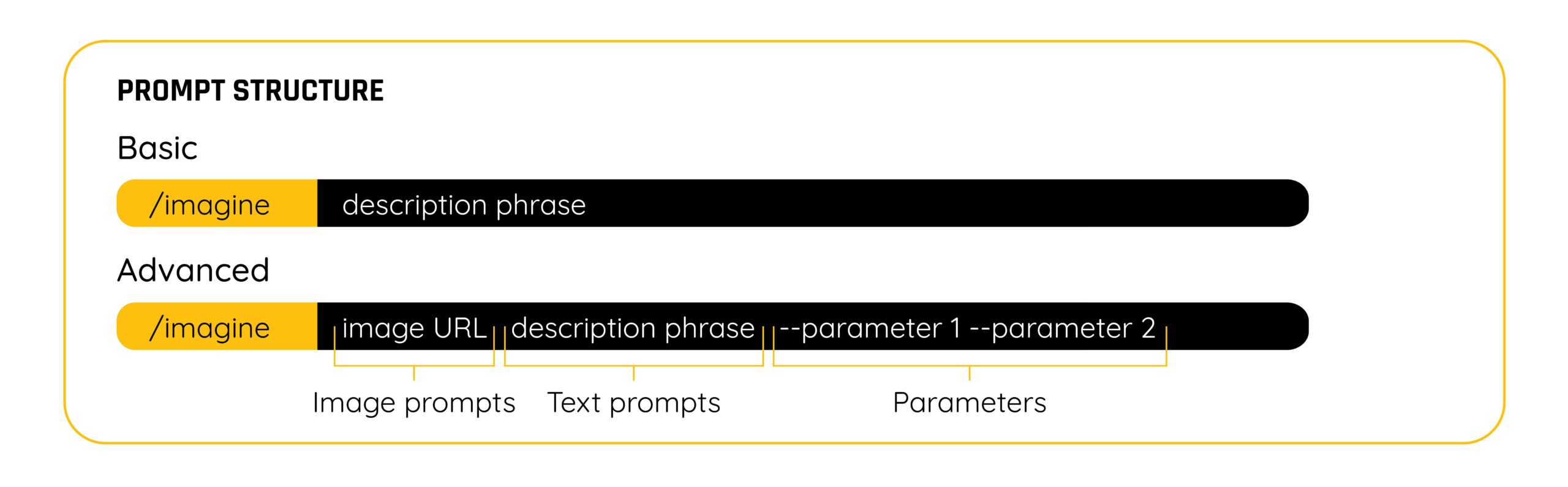
To get the most out of Midjourney, you need to learn the art of the prompt. A prompt is the text phrase that Midjourney's AI interprets to produce an image.
Remember: The more specific you are, the better the results will be. Whatever is left unsaid will be randomized by Midjourney.
There are two prompt structures - a basic prompt and an advanced prompt. The basic prompt structure is made up of a description phrase alone, while the advanced prompt structure's formula may include an image URL, a description phrase, and multiple parameters.
For beginners, we recommend using the basic prompt structure, as it offers a user-friendly and accessible approach to generating imagery.
Description Phrase
In either structure, you'll need to develop a descriptive phrase that outlines details of the image that are most important to the concept. The more concise your prompt is, the more powerful each detail will present itself in the image. The key is to be descriptive, without being unnecessarily verbose.
Explore the following specifications and details to curate the most effective phrase:
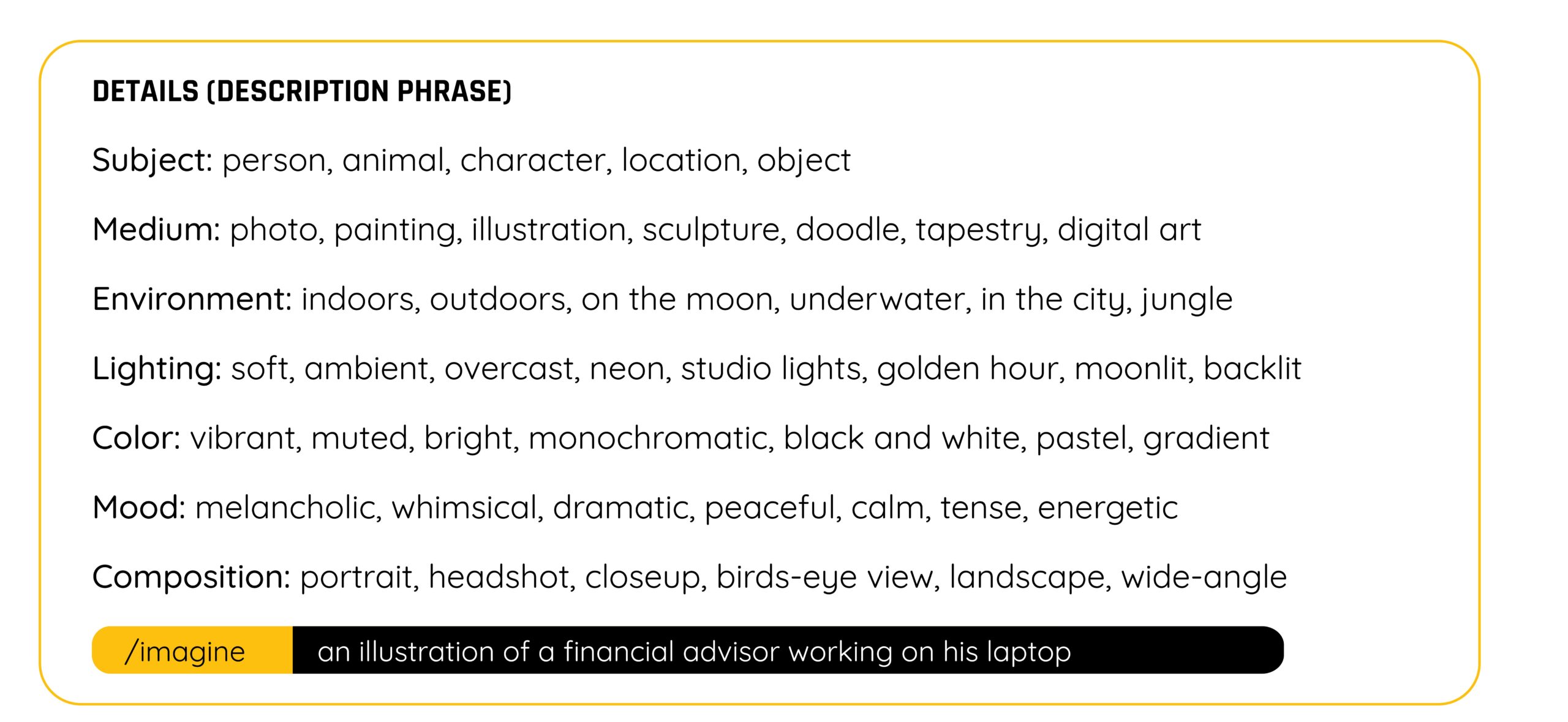
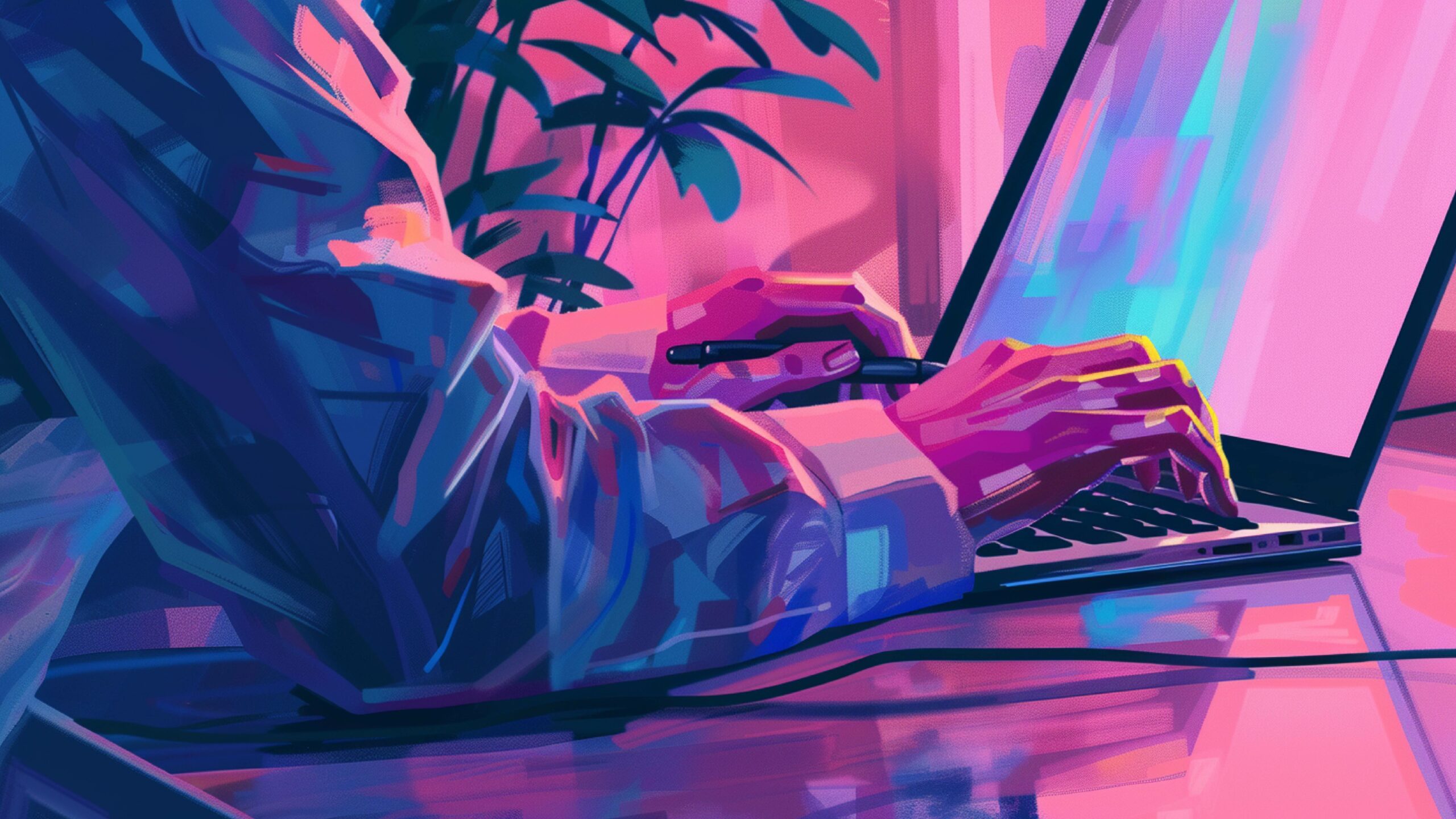
Now, to get a sense of what this can produce let's look at outputs from two different prompts: "a financial advisor working on a laptop" versus, "a financial advisor wearing a suit, working on a laptop, in an office with a plant nearby."
Prompt: a financial advisor working on a laptop
Image:
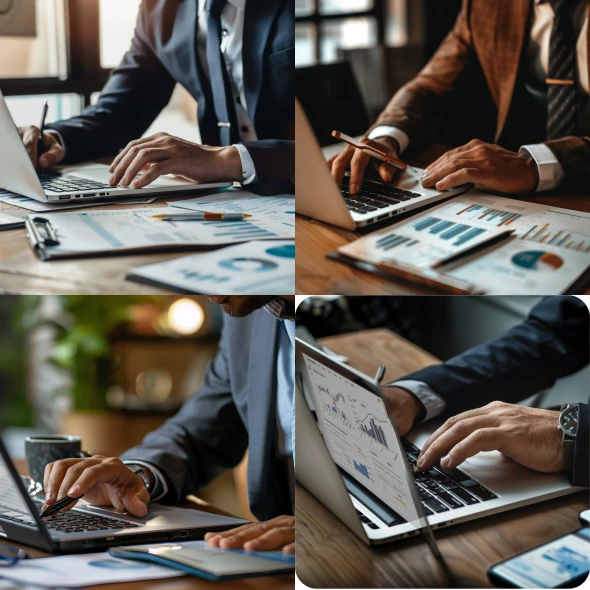
Prompt: a financial advisor wearing a suit, working on a laptop, in an office with a plant nearby
Image:

Notice the difference in the examples above. Just by stating a handful of details, we were able to produce an image that's significantly more niche. Use this to your benefit!
It's also important to note that while Midjourney is brilliant at creating images from text, that doesn't mean the "AI" is in any way creative. If you ask it to create something that doesn't exist, say, for example, a blue jaguar*, it has no idea what to do. Think of Midjourney as a child who can only think in concrete terms. If you want an image of a blue jaguar, ask for "a jaguar painted blue" which could, theoretically, exist.
*We did try to do this once. It's not important why.
Parameters
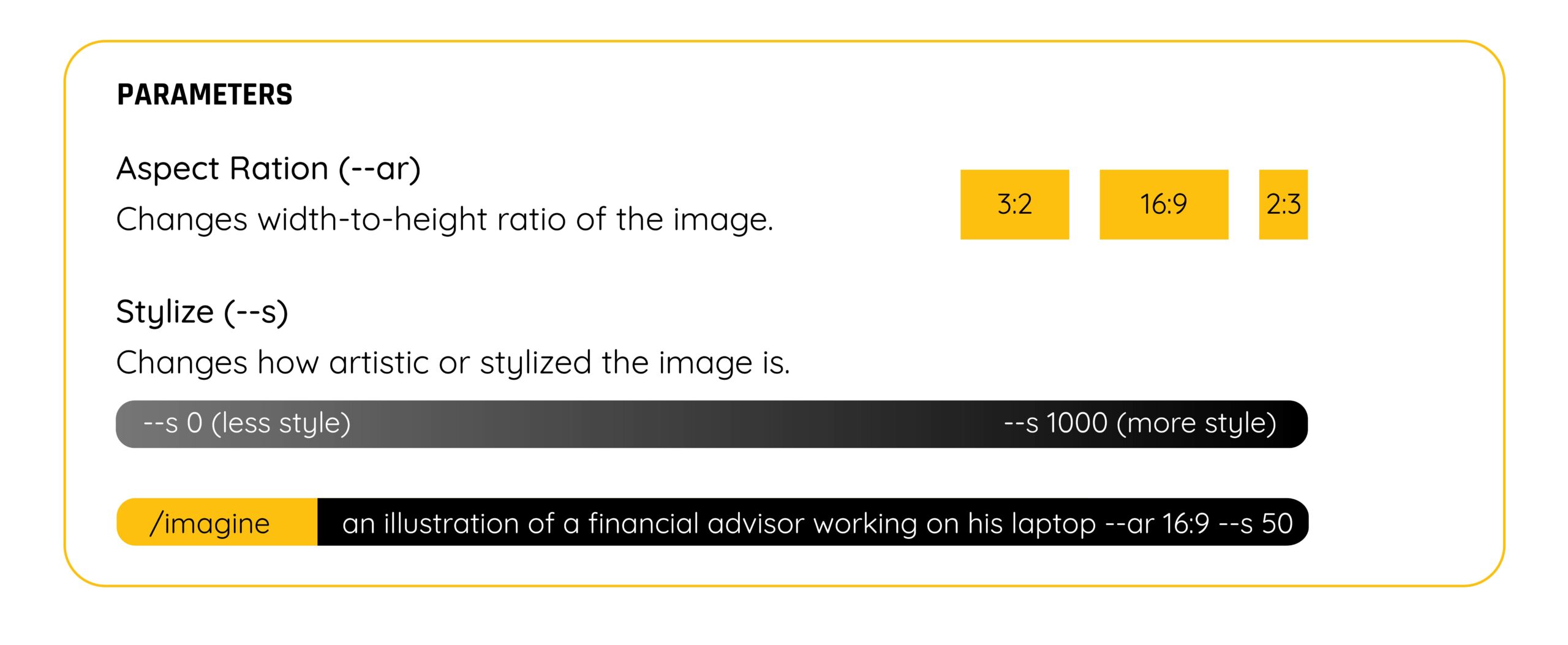
Within the advanced prompt structure, you can specify parameters to change how the image is generated.
To specify the width-to-height ratio of the image, use the parameter phrase:
followed by a ratio. Toggling the aspect ratio is beneficial if you're creating imagery for a specific use. Maybe you want a 16x9 image that is the same ratio as horizontal video. Or maybe you need a 13x2 image for the bottom of a presentation because you're a lunatic like our CMO. Whatever the case, Midjourney can deliver.
Utilizing the "Stylize" parameter will allow you to toggle how artistic or stylized the image will be. You may add this parameter to your advanced prompt structure by using the phrase:
followed by a value between 0 and 1000. A 0 figure will produce a less stylized image, while a 1000 figure will produce a wildly more stylized creation.
After you've entered a prompt and received an output, you'll see a series of tools listed underneath your initial images.
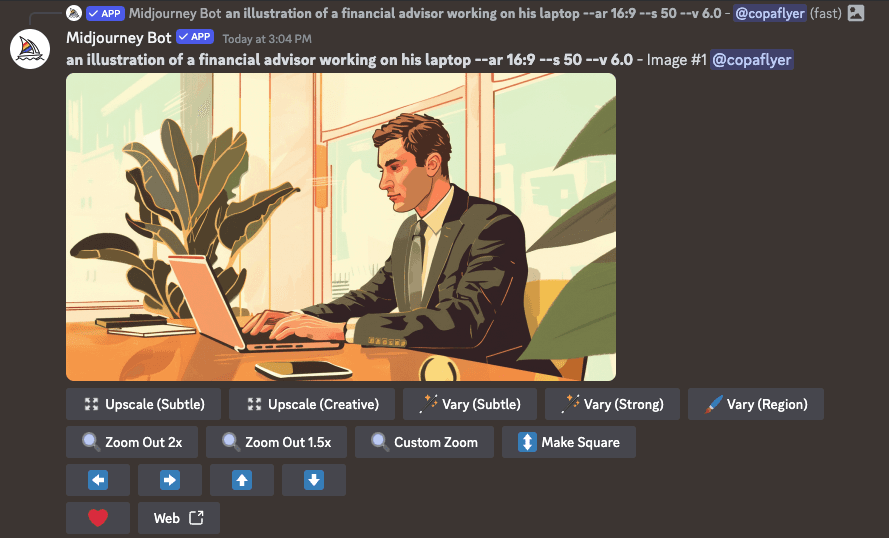
Upscale
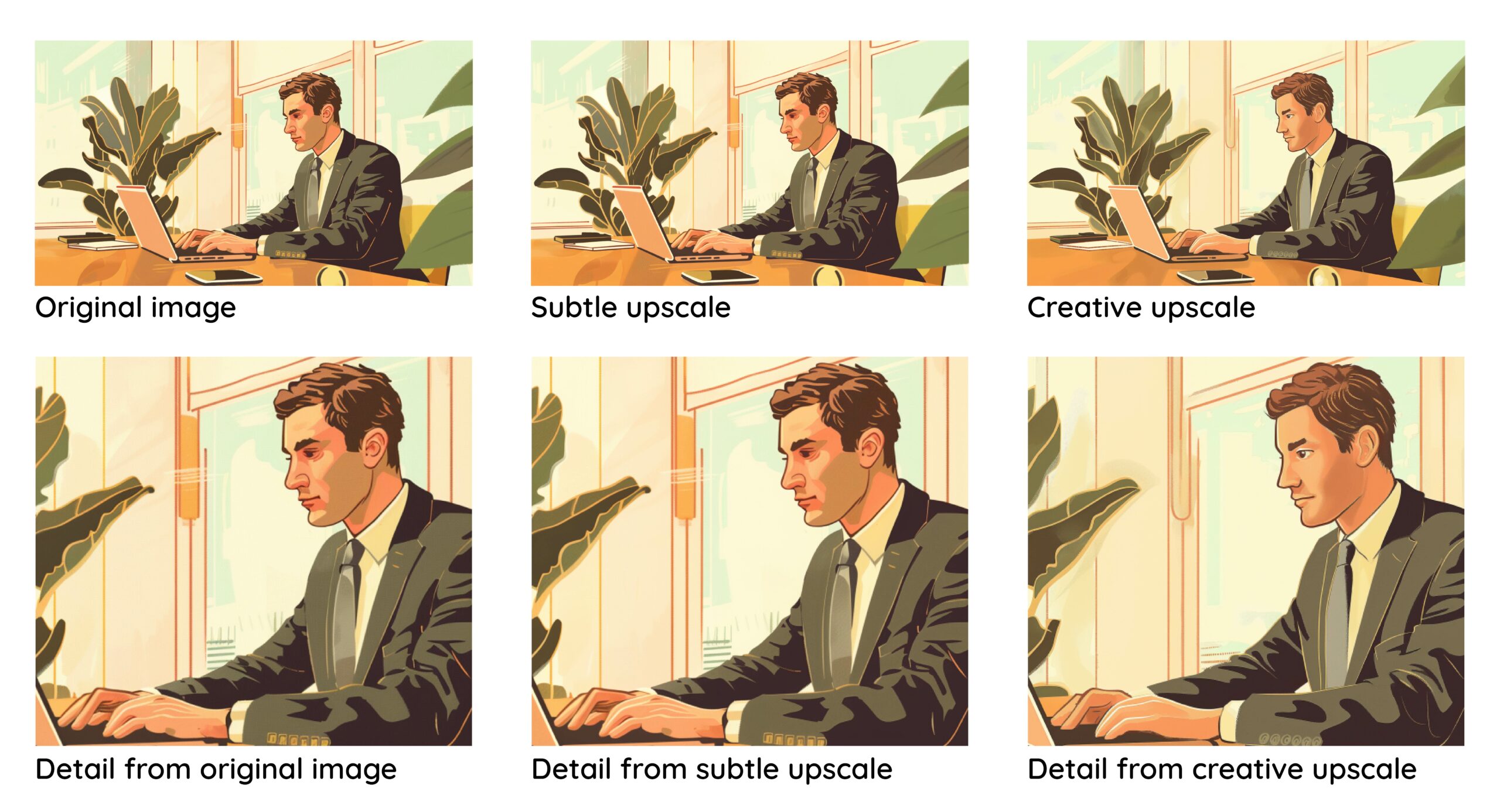
This feature enables you to double the size of your image while maintaining quality resolution. You can upscale an image using U1, U2, U3, or U4, with each button enlarging the corresponding image generated.
Once you've selected and upscaled your preferred image, yet another set of tools will appear: Upscale (Subtle), which doubles the size of your image again while keeping finer details similar to the original, and Upscale (Creative), which again doubles the size of your image while adding more exploratory details to the original image.
Vary (Region)
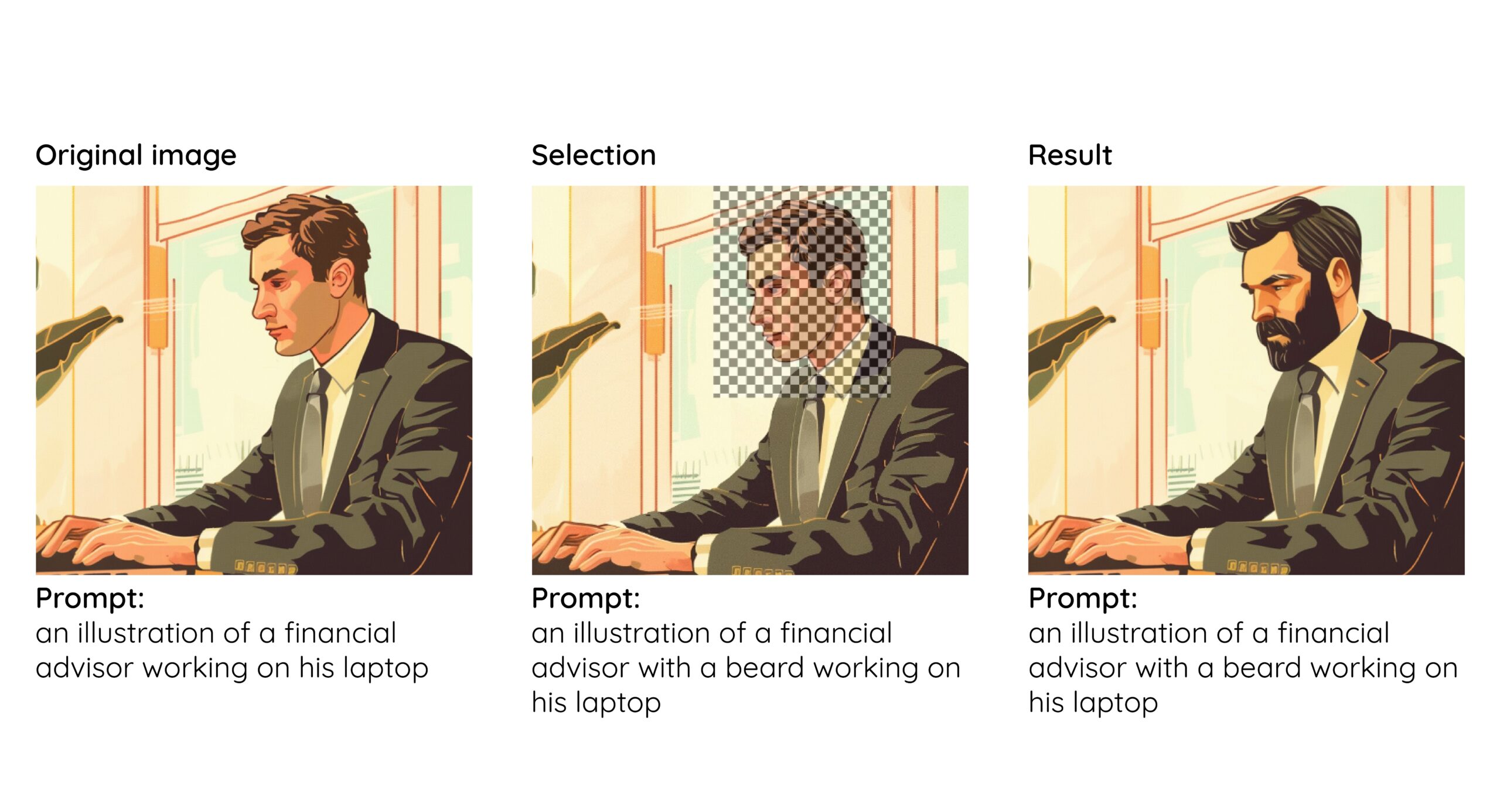
This feature allows you to regenerate selected areas of any one image. We find this tool especially helpful, particularly when the image is almost perfect except for one (or two) spots. Simply select the area you want to regenerate using freehand or rectangular selection tools. When regenerating an isolated section of your image, you'll create an entirely new prompt for that section alone.
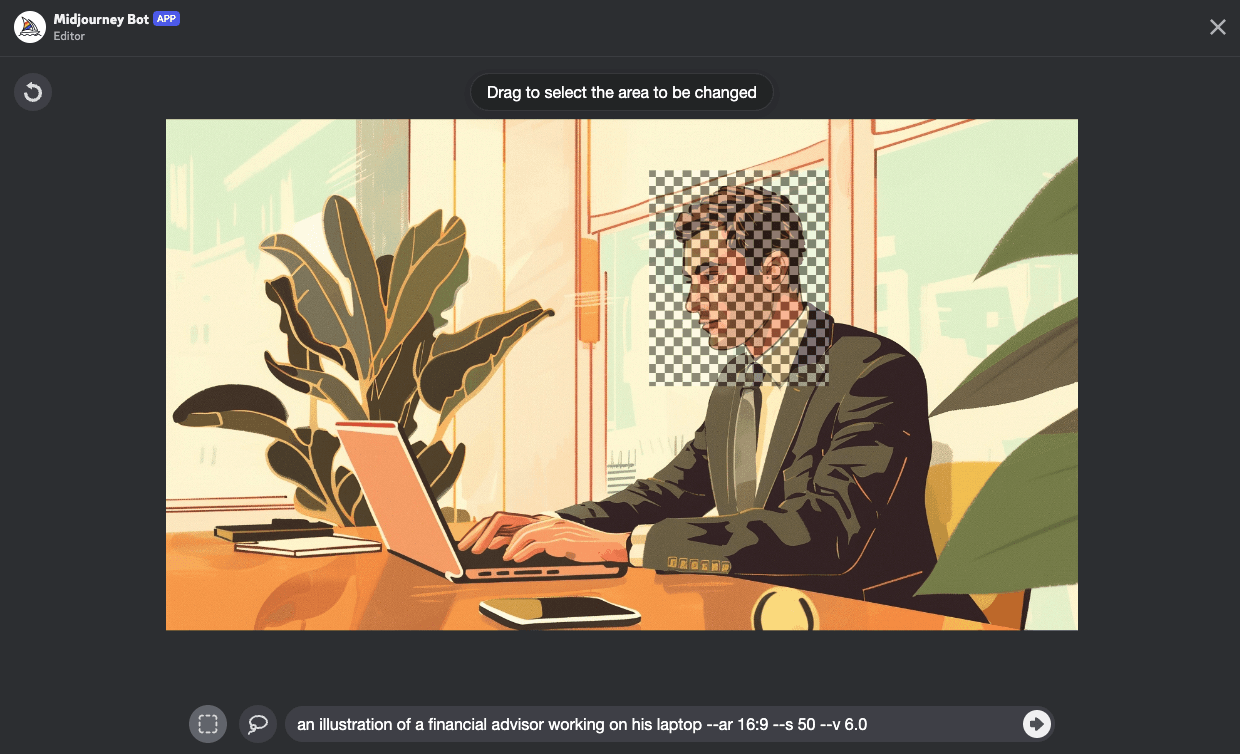
The result:
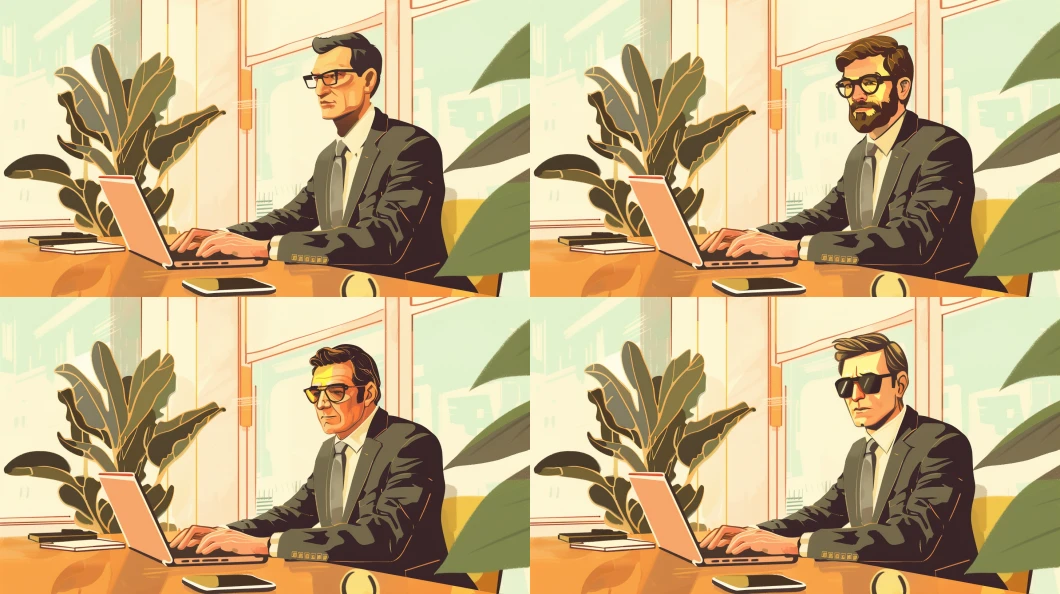
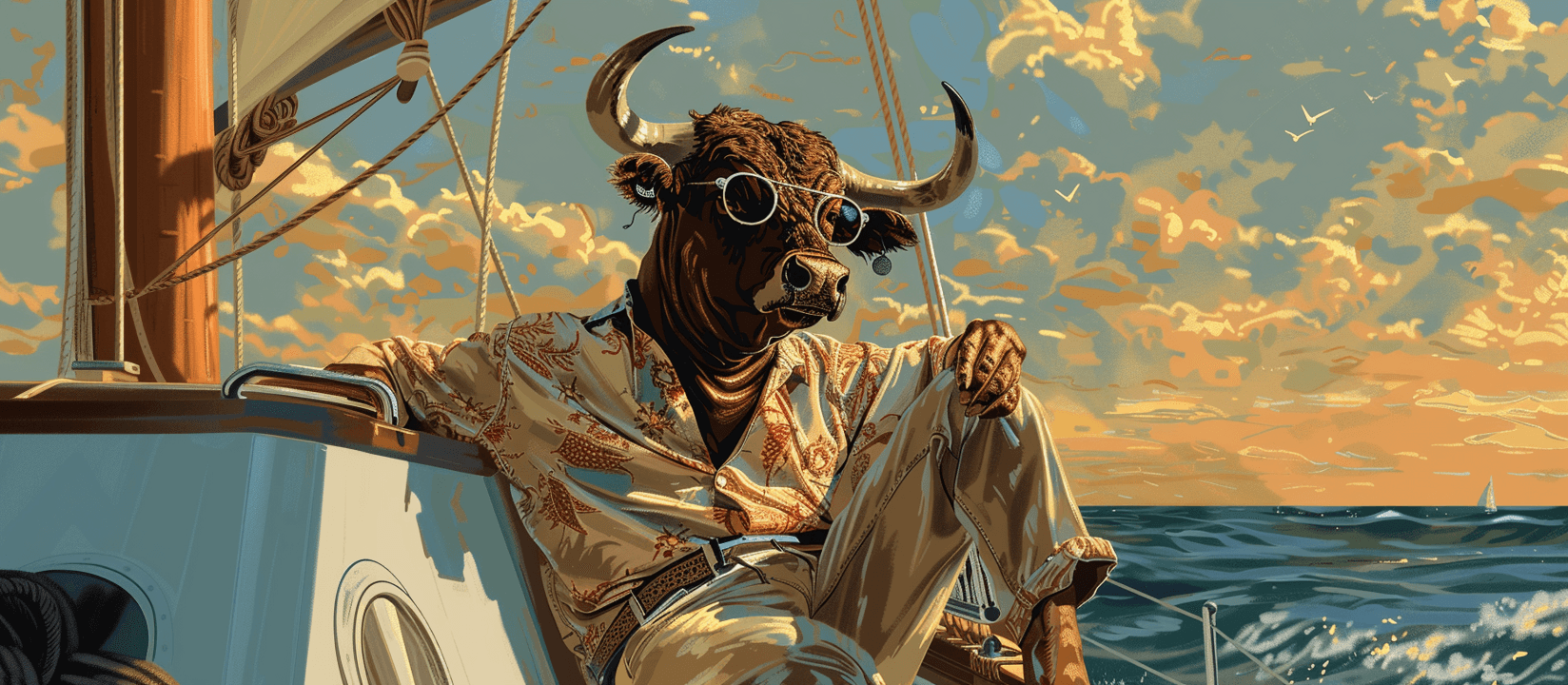
Notice Midjourney has apparently decided all Financial Advisors wear glasses. You could run the prompt again with more specificity: no glasses, full beard, gray hair, etc. However, let's be real, nothing will probably top those sweet shades. Not everything has to make sense.
Although this recount of Midjourney barely scratches the surface of the features available within the platform, it should be just enough to make you dangerous when you get started.
Go explore and have fun with it. Midjourney may be the early days of AI creative assets, but it will give your approach to marketing an edge. Take it now or keep falling behind.
And for the love of Pete, don't use it to prompt a sailboat.